


Jira + HubSpot
Jira Integration with HubSpot connects engineering delivery to commercial reality. Customer-reported issues in HubSpot become Jira tickets without a copy-paste tax, and engineering progress flows back to the account team without a status meeting. Product, support and sales work from the same picture. Marketplace connectors exist and PYB uses them where they fit your data model — we build custom where they don't, so the integration matches your Jira project structure rather than the other way round.
Success Story

Industry:
Software & Technology
Company Name:
EkkoSense AI
Company Location:
UK
Company Size:
200 people
Jira connected to HubSpot
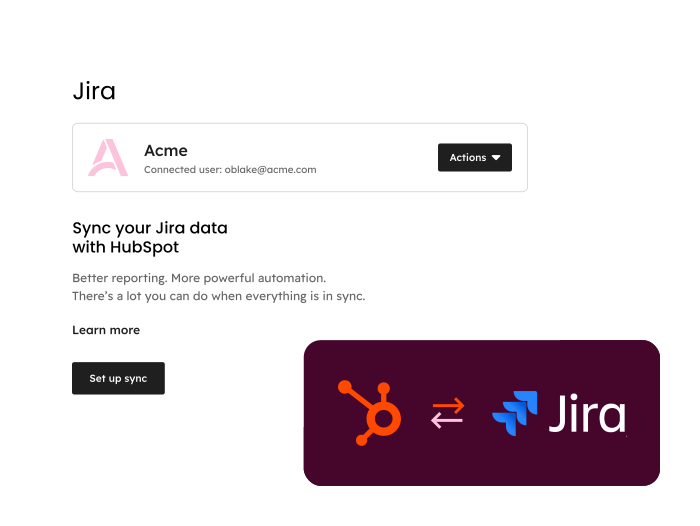
- Your Jira instance connects to HubSpot, syncing issues, epics and sprint status into your CRM so the people who own the customer can see what's happening in delivery.
- Bug reports raised by support sit on the contact and company record, so the account team sees engineering progress without leaving HubSpot. Deals closed in HubSpot that depend on a roadmap commitment trigger the right notifications in Jira — no Slack-pasting, no missed commitments.
- Marketplace connectors handle the standard cases. Where your Jira project structure, custom issue types or workflow logic outgrow them, PYB builds the gap — using Operations Hub, Atlassian Forge, or a middleware platform depending on what's already in your stack.
Mapping your issues and customer signals
.svg)
- Tickets, bugs and feature requests are mapped from HubSpot to Jira on a real-time or scheduled basis.
- Custom Jira fields — components, fix versions, story points, labels — map to HubSpot properties through either the marketplace connector configuration or the middleware layer PYB builds, depending on which fits your data model.
- Status transitions handle the asymmetry cleanly. Engineering closing a bug updates the linked HubSpot ticket, but commercial fields stay locked from the Jira side.
Configuration complete
.svg)
- Every customer-raised bug and feature request links to the right Jira issue from day one.
- Support and account managers see engineering status inside HubSpot without a Jira licence or training.
- ISO 27001-certified data handling keeps customer issue data inside the right organisational boundary. Whether the integration runs on a marketplace connector or a custom build, PYB owns the deployment, documentation and ongoing health checks.
People love their experience

Michelle Wainwright
Operations Director
HubSpot Custom Integrations Accredited
Technical digital projects require skill and experience to deliver on time & on budget. We have a track record of both.
Quality assured, by HubSpot and ISO









.svg)
.svg)